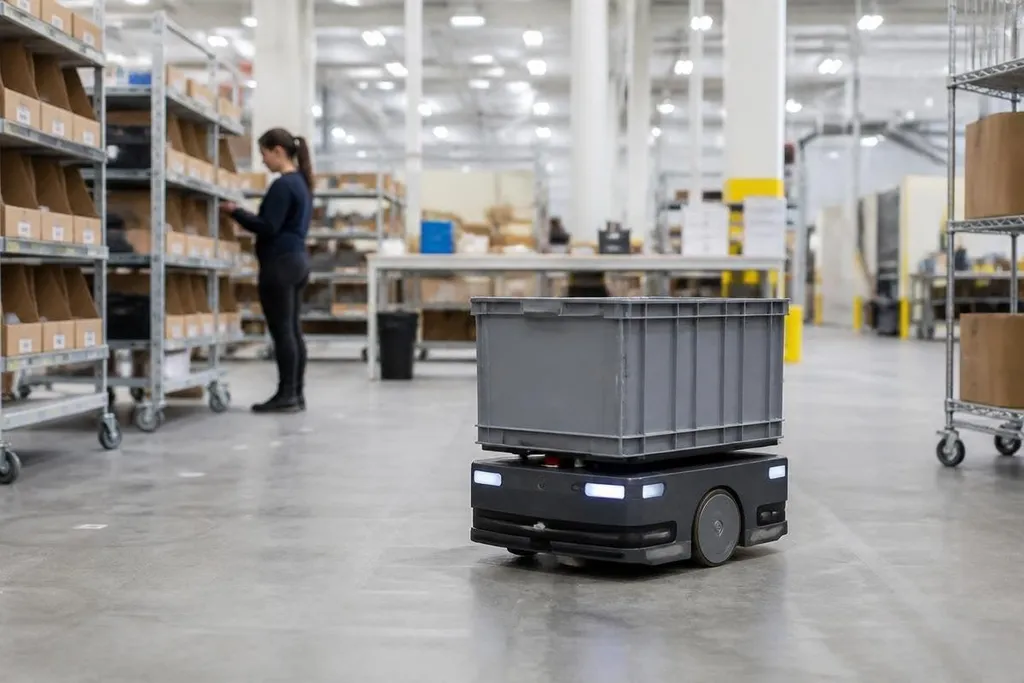
A robot can stay powered for hours and still spend much of that time waiting, sensing, or moving between tasks. The useful question is how long it can keep working on your job before it needs a charger, a battery swap, or human help.
- Runtime changes with the task: lifting, driving, climbing, and fast motion draw more power than waiting in place.
- Published figures need context: ask about payload, speed, sensors, surface, and operating mode.
- Charging changes the schedule: a robot may need several work periods, not one long shift.
Why runtime figures vary
A battery stores energy, but the robot decides how quickly to spend it. Motors draw more power when the robot carries a load, climbs a ramp, turns often, or moves at higher speed.
A mobile robot carrying an empty tray has a different power demand from the same robot carrying a full one.
Sensors also use power. Cameras, LiDAR, computers, wireless links, and safety systems may run throughout a task. Route planning and checks of the robot's surroundings can use energy even when its wheels are still.
The work pattern matters just as much. Repeated starts and stops can draw more power than steady travel. A robot that waits at a station between jobs may last longer on paper than one that works without pauses, yet the two may complete a similar number of tasks.
What the battery label leaves out
A product page may list battery capacity, voltage, or a maximum runtime. Those figures describe the power pack, not the finished job. They don't tell you how much energy the motors, computer, sensors, and cooling system use together.
Ask the maker for a duty cycle. That means a description of how the robot spends its time, such as moving, carrying, waiting, and charging. You also need the payload used during the test and the surface beneath the robot.
A runtime test on a smooth indoor floor won't answer the same question as a test on rough ground. Repeating a light pick-and-place task with a robot arm may use less energy than lifting near its rated payload. The label is useful only when the test looks like your work.
A runtime figure matters only after you know whether it covers active work, standby time, or charging stops. Reporting from Robot 24 can place that number beside the robot, task, and test setting. The next section separates runtime from the hours a robot can spend doing useful work.
Runtime, work time, and uptime are different
Runtime is the time before the battery needs attention. Work time is the part of that period when the robot is doing useful work. Uptime also includes faults, software checks, safety stops, queueing, and time spent waiting for a task.
That difference can change a purchase decision. A long battery run may still produce fewer completed jobs if the robot moves slowly, waits for people, or needs frequent checks. Shorter battery runs may fit better if the robot can charge during natural breaks or swap batteries quickly.
Charging design matters too. A fixed battery ties the robot to a charging station. A removable pack can keep the robot working if a charged spare is ready, but that adds batteries, storage, handling, and a safe charging plan.
A practical buying checklist
Use these questions before comparing runtime claims:
- Name the task: What must the robot carry, move, inspect, or lift?
- Set the load: Ask for runtime at the payload you expect, not an empty-robot test.
- Match the surface: Check the floor, slope, outdoor ground, and travel distance.
- Count the pauses: Include loading, route waits, safety stops, and operator checks.
- Plan charging: Decide where charging happens and whether spare batteries are practical.
- Measure completed work: Compare tasks per work period, not battery hours alone.
I'd choose the robot that completes the required work with a known charging plan, even if its headline runtime is lower.
The missing figure is often the useful one: how many completed tasks remain after the robot has carried its real load, used its sensors, stopped for safety, and returned to charge.